
Assign Jira issues to GitHub Copilot
This plugin for Jira integrates GitHub Copilot directly into Jira without Atlassian Rovo. Assign an issue, Copilot analyzes it and opens a pull request in your connected repository, and the result is posted back to the issue as a comment.
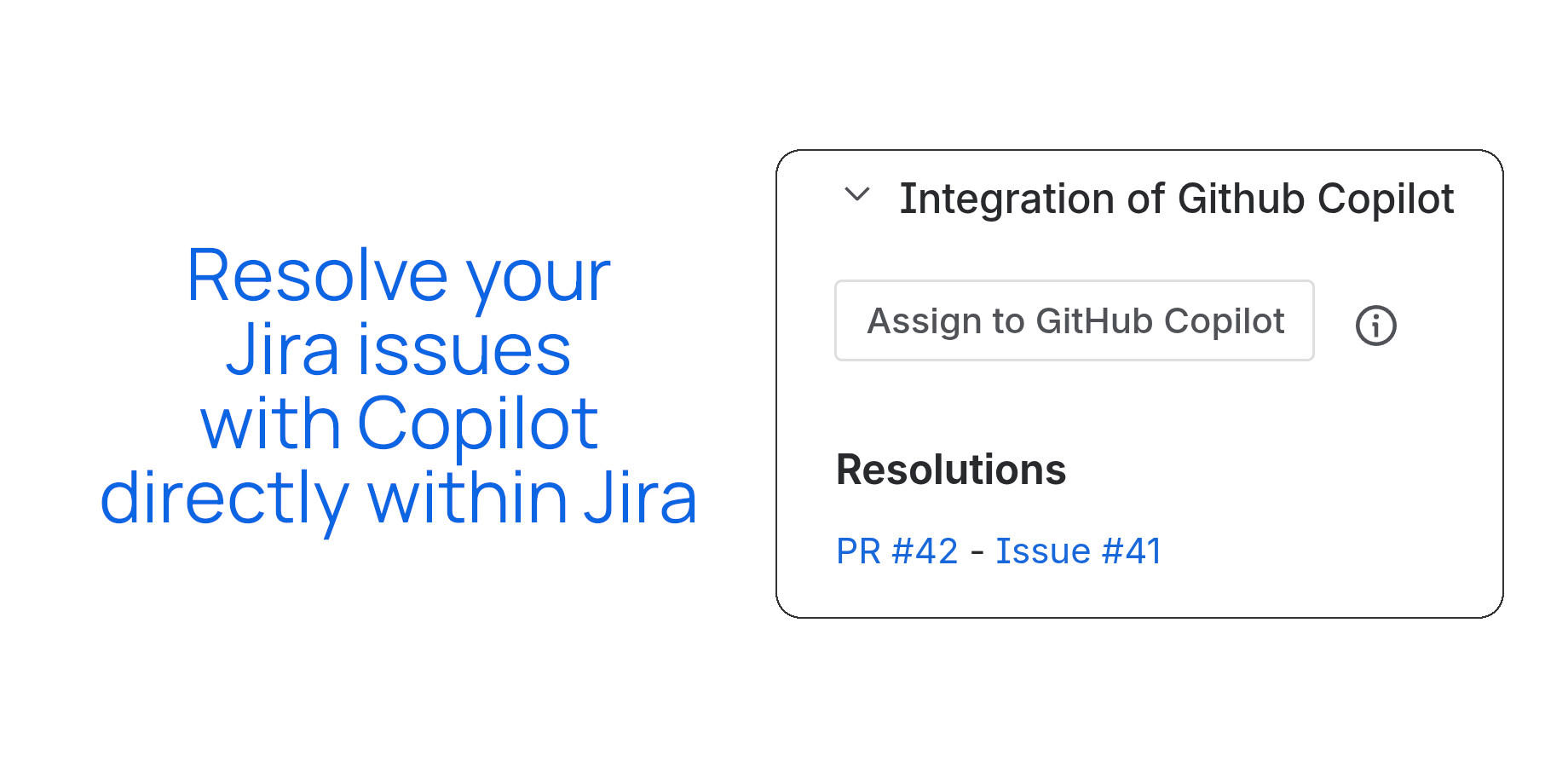
What the integration does
Added to every Jira issue page. One click hands the issue to Copilot.
Use a fine-grained/classic Personal Access Token, or connect via GitHub App authentication.
Connect more than one repository and route issues to the right codebase.
Leave feedback in a comment mentioning the app, and Copilot updates its pull request accordingly.
The pull request link and a summary of the solution are posted back to the issue automatically.
No additional Atlassian AI product required — the integration runs on GitHub Copilot alone.
How it works
Click Assign to GitHub Copilot on any Jira issue.
It reads the issue title and description to understand the request.
Copilot generates a solution and opens a pull request in your connected GitHub repository.
The PR link and a summary of the solution are posted back to the Jira issue automatically.
Leave a comment mentioning the app with what to change, and Copilot updates the pull request.
Get the GitHub Copilot integration
Available on the Atlassian Marketplace for Jira Cloud.